SnackPack Studios icon SnackPack Studios Guides
Parent guide · Updated June 2026

How to choose ad-free learning apps for toddlers

App stores are full of "educational" apps for ages 3–7, and many of them are ad-funded, data-hungry, or designed to upsell. Here's a practical checklist for finding the genuinely calm, safe ones — whatever studio they come from.

The 5-point check before you download

  • 1. The "Contains ads" label. On Google Play it sits right under the app name. Google requires it if the app shows any ads, so its absence is a strong signal. On the App Store, scroll to the information section.
  • 2. The Data safety section. Look for "No data shared with third parties" and "No data collected". For a toddler app there is rarely a good reason to collect anything.
  • 3. How it makes money. Every app pays for itself somehow. Ads and data are the worst answer for kids. A fair price, an optional one-time unlock, or a studio building a paid family of apps are healthier models.
  • 4. The privacy policy. It should exist, name the app specifically, and say plainly what is (and isn't) collected. A generic policy covering "our websites and services" is a yellow flag.
  • 5. Reviews mentioning ads or pop-ups. Search the reviews for "ads" before installing. Parents are quick to report apps that interrupt play with ads — let them do the testing for you.

Red flags once it's installed

  • Interruptions mid-activity: anything that breaks a 4-year-old's focus to show them something else was designed for the advertiser, not the child.
  • Manipulative reward loops: daily-login bonuses, countdown timers, or "your friend misses you!" notifications have no place in a preschool app.
  • Upsell screens a child can reach: purchase prompts should sit behind a parent gate, not in the middle of a game.
  • Required accounts: a toddler app should not need an email address to teach the letter A.
  • Endless content feeds: open-ended video or content feeds are the opposite of a focused learning session. Look for apps with a clear beginning and end.
What good looks like

One goal per app, and a calm exit

The best early-learning apps tend to share a shape: one clear skill (letters, numbers, shapes), short self-contained activities, progress a parent can see, and no mechanism designed to keep the child in the app longer than the activity needs. A good app is easy to put down — that's a feature, not a flaw.

Our disclosure: we're SnackPack Studios, and we make apps in this category. SnackPack ABC: Learn to Read and SnackPack 123: Learn to Count are free on Google Play for ages 3–7 with no ads, no in-app purchases, and no tracking SDKs — they exist because we couldn't find enough apps that passed the checklist above. Judge them by the same standards: both store listings carry no "Contains ads" label, and each has its own named privacy policy.

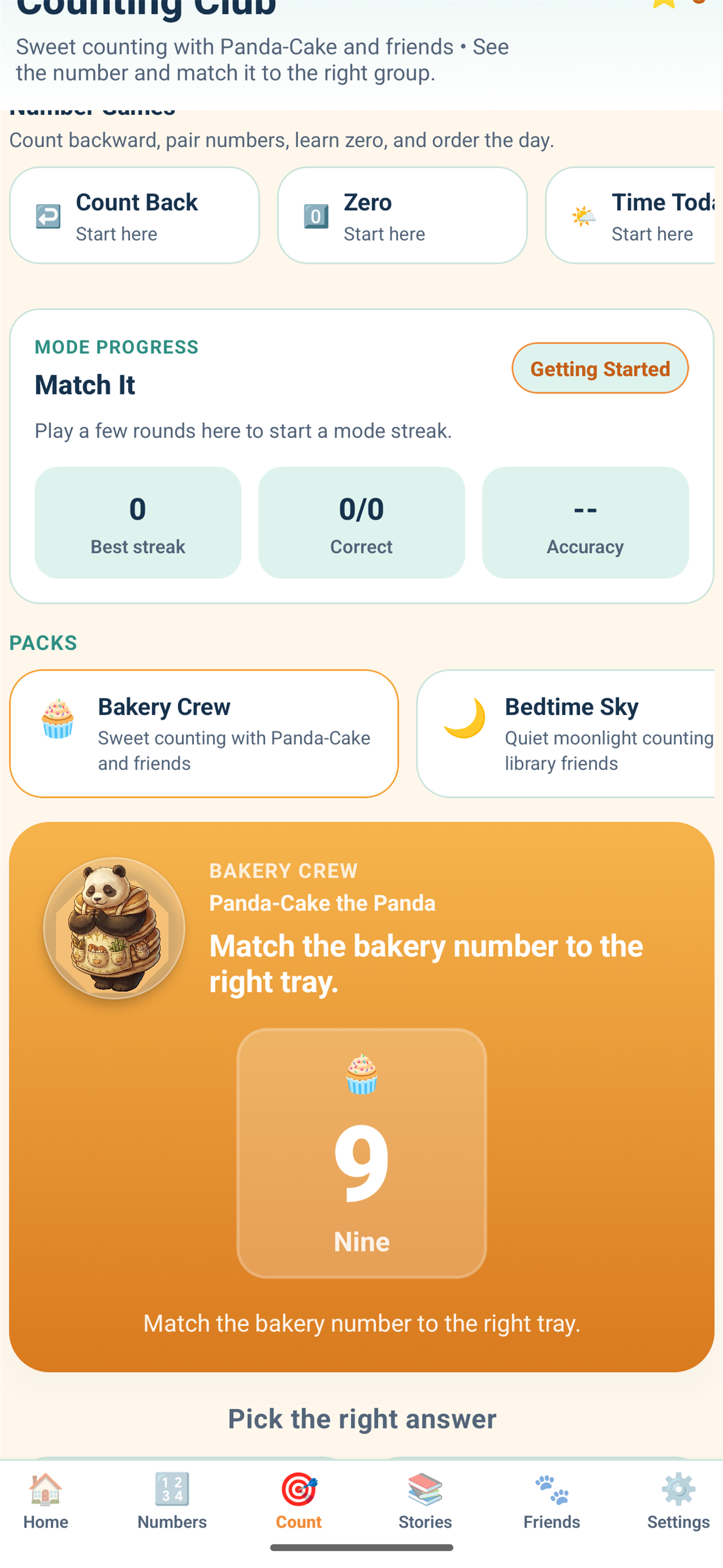
SnackPack 123 counting game screen.
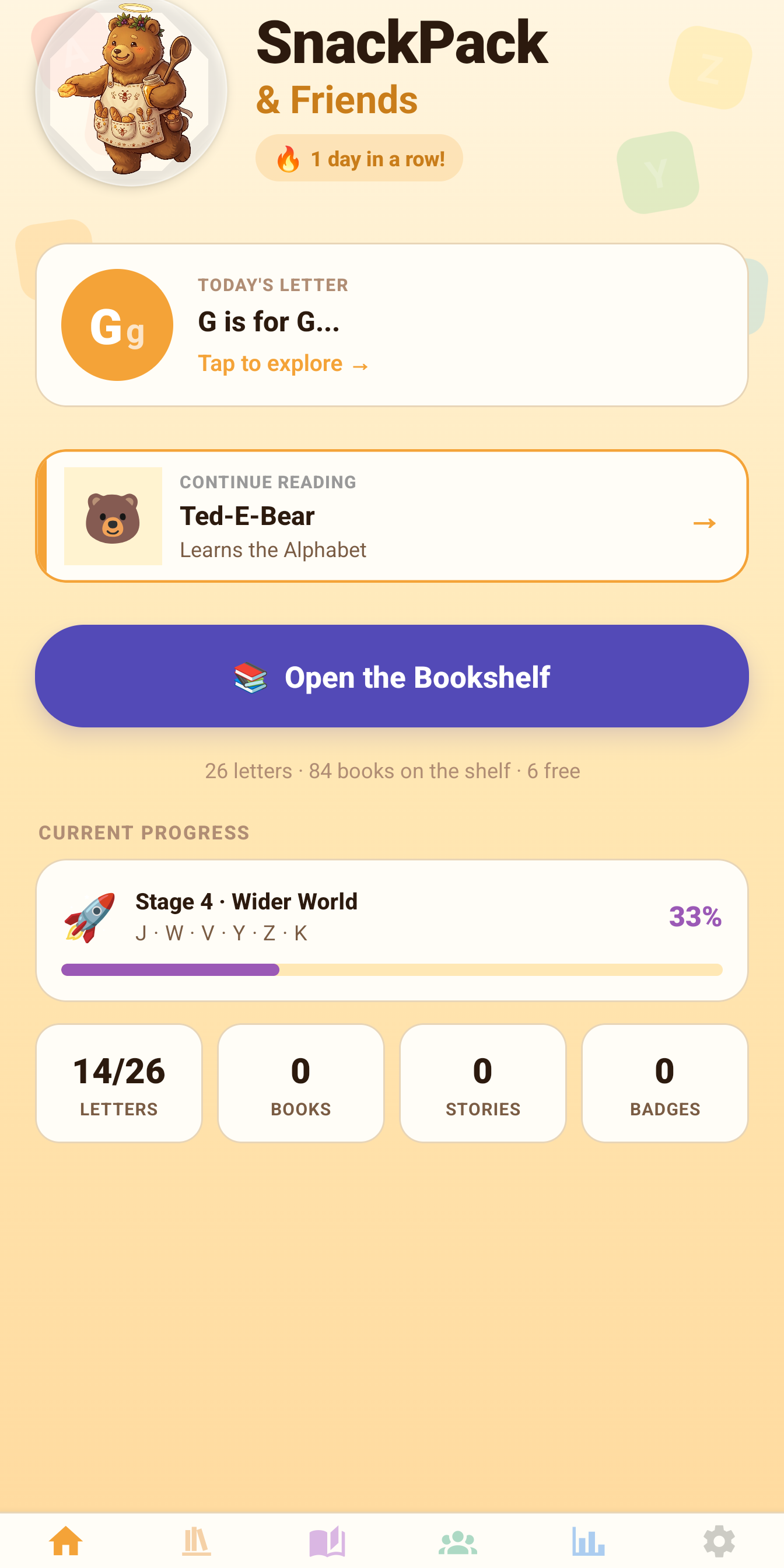
SnackPack ABC home screen.
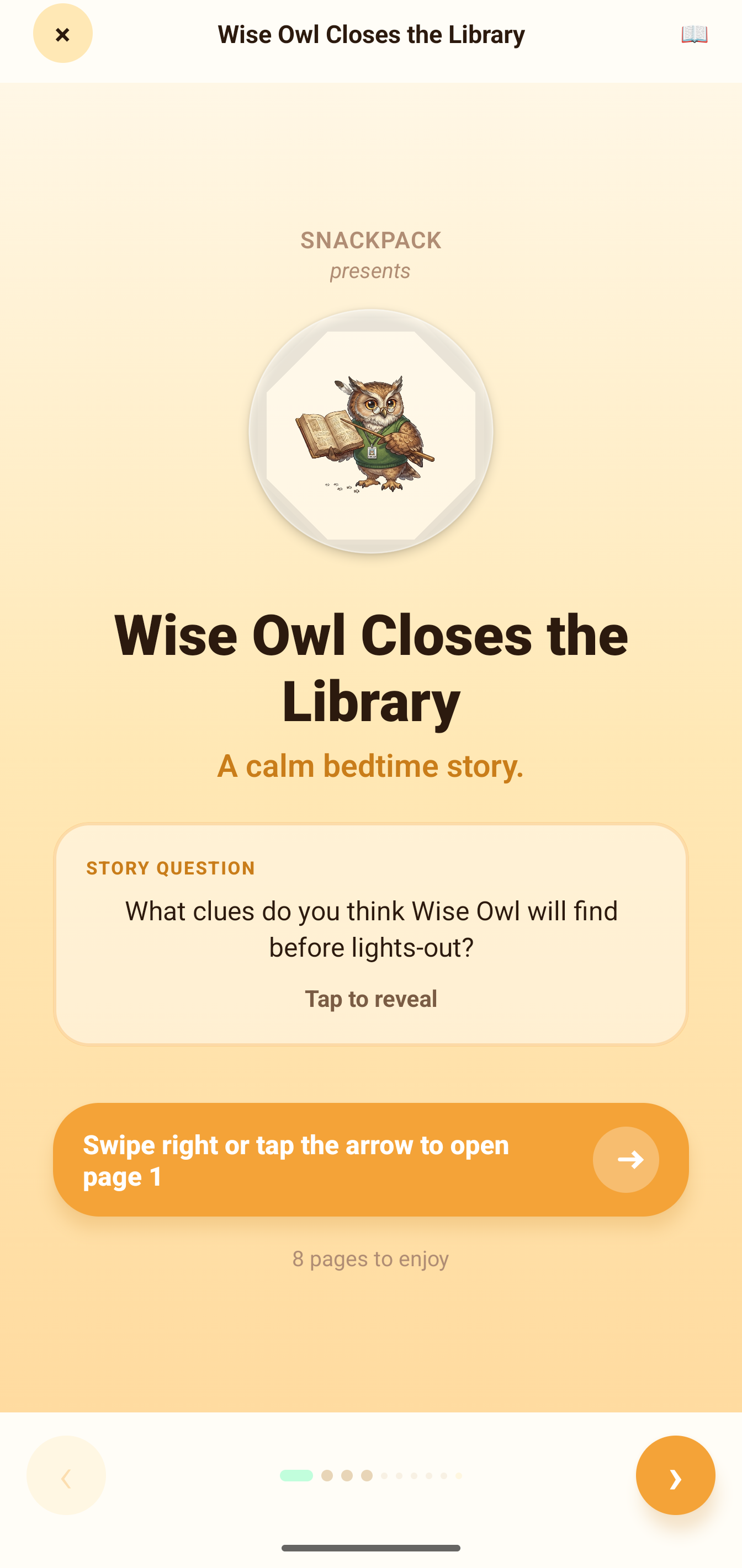
SnackPack ABC mini book.
Quick answers

Frequently asked questions

How do I know if a kids app really has no ads?

Check three places before downloading: the "Contains ads" label under the app name on Google Play, the Data safety section for whether data is shared with third parties, and the developer's own privacy policy. If an app shows ads, Google Play requires the label — its absence is a strong signal.

What should I look for in a learning app for a 3 year old?

One clear learning goal per app (letters, numbers, shapes), no ads or social features, no manipulative reward loops or streak pressure, simple navigation a small child can manage alone, and a published privacy policy that says data stays on the device.

Are free kids apps safe?

Free can be safe — but check how the app makes money. Free apps funded by ads or data sharing are the riskiest for small children. Free apps from studios that monetise through optional one-time purchases, or that are simply free as a front door to a wider family of apps, are generally safer choices.

What are good ad-free alphabet and counting apps?

Our own SnackPack ABC and SnackPack 123 are free, ad-free options on Google Play for ages 3–7 with no in-app purchases. Whatever you choose, verify the "Contains ads" label and Data safety section on the store listing first.